iPhone Cybersecurity: Why You Should Enable 'Stolen Device Protection'
Cybersecurity experts strongly advise iOS users to enable the 'Stolen Device Protection' feature to minimize risks in the event of smartphone theft.
 🧠AI Analysis
Photo: unian.ua
Key points
- Activation of Stolen Device Protection in iOS 17.3+
- Biometric verification for access to payment data
- One-hour delay for critical security setting changes
- Recommendation to set the protection mode to 'Always'
Modern smartphones have become comprehensive digital wallets, making them prime targets for criminals. A standard screen passcode is often insufficient, as thieves may observe it in public before stealing the device. To secure personal data and financial assets, Apple introduced the 'Stolen Device Protection' feature.
How the Additional Security Layer Works
Available in iOS 17.3 and later, this feature significantly limits the capabilities of unauthorized users. If the iPhone is away from familiar locations, such as home or work, access to sensitive information—including passwords, payment data, and security settings—requires mandatory biometric verification via Face ID or Touch ID. A standard passcode is no longer sufficient in these scenarios.
Furthermore, the system implements a 'security delay'. Any attempt to change critical settings, such as an Apple ID password, requires biometric verification followed by a one-hour waiting period before re-authorization. This buffer gives the owner time to activate 'Lost Mode' and secure their account.
'Stolen Device Protection' drastically increases the chances of keeping your money, photos, and cloud access secure if your smartphone is stolen.
For maximum security, users can configure the feature to be always active, regardless of geolocation. This prevents unauthorized access even in places the system has not yet identified as 'familiar'.
Source unian.ua — unian.ua/techno/software/yak-zahistiti-iphone-vid-kradizhki-apple-p… ↗
Read next
 🏢Бізнес
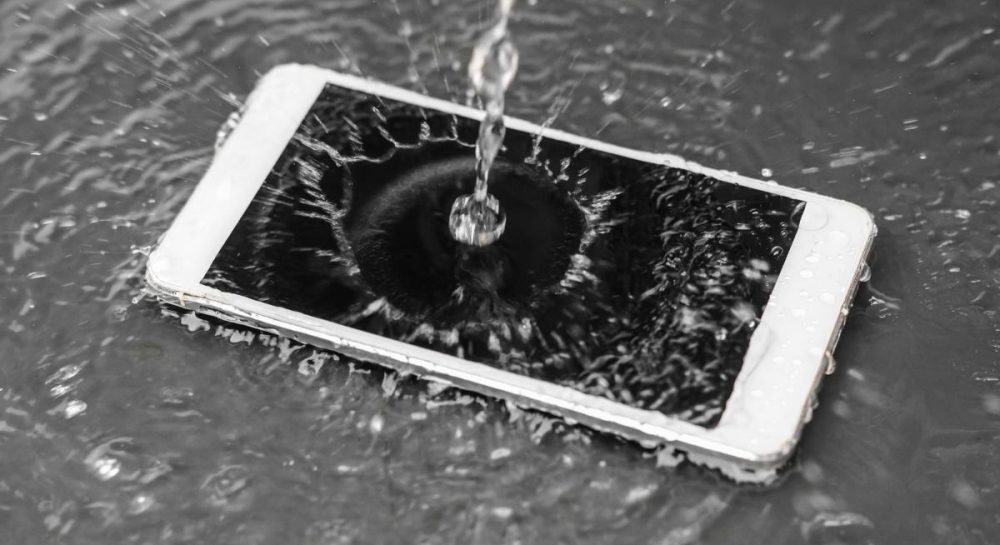
Saving a Water-Damaged Smartphone: 4 Mistakes to Avoid
Experts debunk common myths about drying gadgets and offer professional advice to prevent costly repairs.
 🏢Бізнес
EU spent more on Russian energy than on aid to Ukraine, European Commission data shows
Since 2022, EU member states have paid Russia more for energy imports than the total financial support provided to Ukraine.
 🏢Бізнес
SpaceX hires Washington lobbyists ahead of potential US Congressional probes
Elon Musk's aerospace company has engaged professional lobbyists to navigate upcoming Congressional scrutiny regarding Starlink operations in Ukraine.
 🏢Бізнес
Strikes on the Crimean Bridge: Economic Impact on Logistics and Shipping
Damage to the Crimean Bridge by Ukrainian missiles creates significant logistical hurdles for the Russian Federation and disrupts maritime trade.
 🏢Бізнес
EU to Provide €1 Billion for Military Equipment for Ukraine
The Council of the European Union has approved a new military aid package via the European Peace Facility to strengthen Ukraine's defense capabilities.
 🏢Бізнес
Russian strike destroys Fresh Production Group's film studio
On the night of November 20, a Russian attack completely destroyed the filming studio of a prominent Ukrainian production company. No casualties were reported.